Integrating a POLYV Viewing Room into a uni-app Mini Program: From `wxcomponents` to Device Testing
摘要: A uni-app project compiled to WeChat `mp-weixin` can host POLYV’s native Mini Program viewing component.
A uni-app project compiled to WeChat mp-weixin can host POLYV’s native Mini Program viewing component. Obtain polyv-live-watch, copy the complete package into src/wxcomponents, register polyv-watch-room, pass channel configuration and let the host page handle member identity, sharing, product navigation and analytics. Live viewing, replay, chat and viewing conditions must then be validated with the actual channel configuration and devices.
Mount the native viewing component in the uni-app
mp-weixinbuild while the host retains member, sharing and product responsibilities.

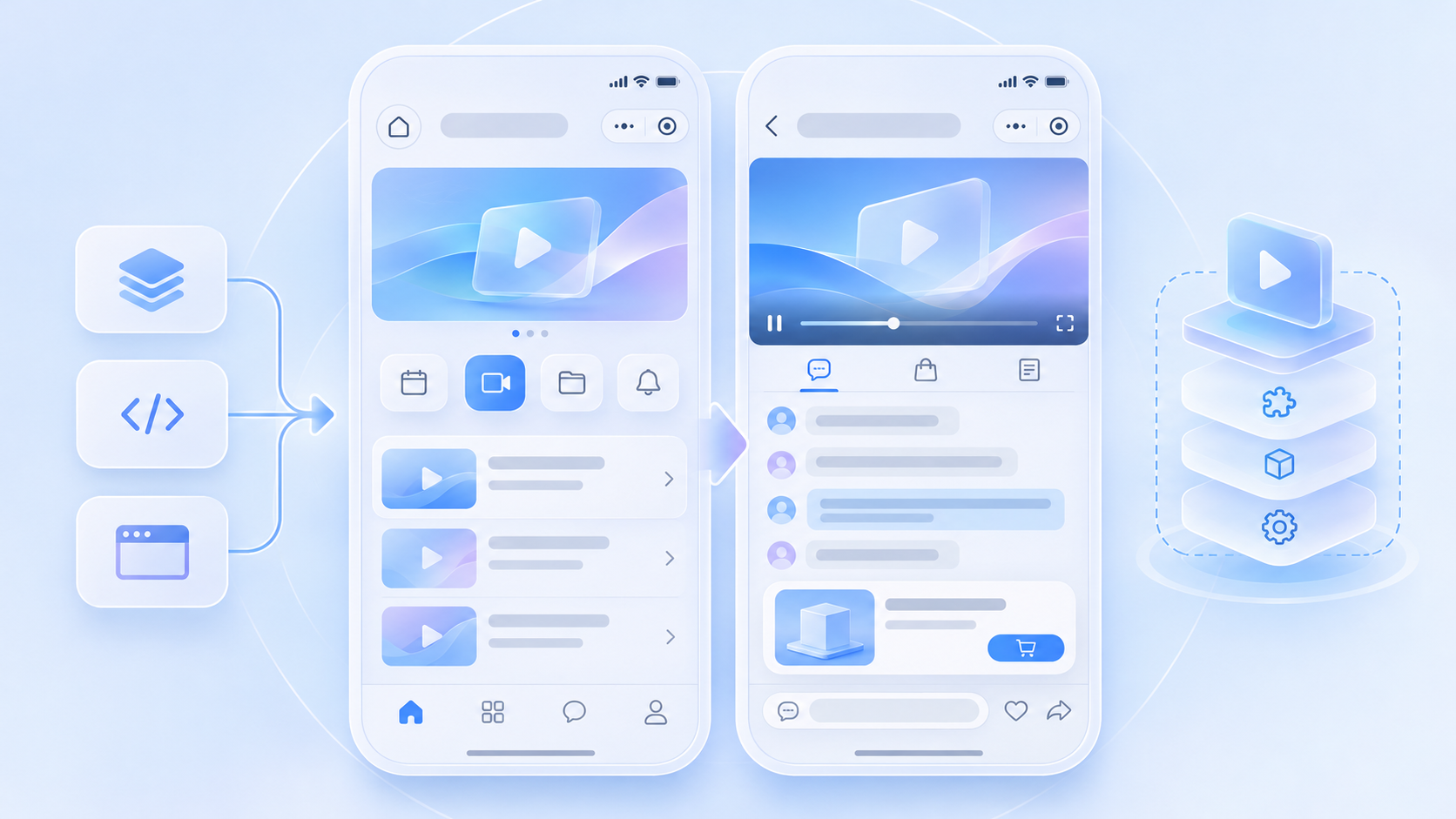
01 / Confirm the build target and package
The official uni-app guide is specifically for a WeChat Mini Program build, not a universal component for apps, H5 or other Mini Program platforms. Use a POLYV delivery package or build the open-source viewing-page project as documented. Its output is dist-uniapp-wxcomponents/polyv-live-watch; copy the entire directory to src/wxcomponents/polyv-live-watch. For other endpoints, choose the appropriate integration from the POLYV developer center.
02 / Mount the component in a test page
Declare the native component for the target page in pages.json, then mount polyv-watch-room in the .vue template and pass the required test channel ID and version-specific configuration. The component handles its internal guidance, authorization, viewing and error states. The host page controls where users enter and what happens when they leave. Follow the properties and event names of the actual package version instead of copying code from another release.
03 / Define the business event contract
Before entry, the company’s service verifies the member; during viewing, it records the channel and campaign source; on a product click, the host opens its own product detail page; on sharing, it generates a returnable Mini Program route. Channel settings determine whether chat, interactions, viewing conditions and replay are available. Keep credentials and sensitive signatures on the server.
04 / Run five device test groups
Test first entry and expired login; live and replay playback with network changes; chat and interactions; product click, test checkout and sharing; then navigation and small-window playback. POLYV’s background playback guide explains the native player path. Record AppID, SDK version, WeChat base library, channel state and results on both iOS and Android.
05 / Keep upgrades reproducible
Document the component version, build command and local modifications. Validate upgrades on a test channel before uploading an experience build, and retain the prior package for rollback. A successful local build is not a substitute for testing the mp-weixin output under the company’s production AppID and approval process.
06 / Configuration and acceptance matrix
The paths and event names below follow POLYV’s uni-app WeChat Mini Program guide. Match plugin versions and any new properties to the delivered package.
| Location | Minimum action | Acceptance signal |
|---|---|---|
src/wxcomponents |
Copy the complete polyv-live-watch package |
components/watch-room/ survives the build |
manifest.json |
Enable usingComponents under mp-weixin and merge required plugins |
Existing AppID, permissions and settings remain intact |
pages.json |
Register polyv-watch-room at /wxcomponents/polyv-live-watch/components/watch-room/watch-room |
Component loads in the experience build |
.vue page |
Mount <polyv-watch-room> once and pass configs.channelId; check forceLayout for vertical layouts |
The test channel shows the expected live or replay state |
| Host events | Handle ready, view-change, webview and login-required |
Initialization, external pages and login have owners |
| Page exit | Follow the documented destroy and cleanup pattern |
Re-entry has no duplicate player or stale state |
view-change reports an internal view transition; the host should not remount the component in response. Use the company’s AppID and target iOS and Android devices for final acceptance.
Frequently Asked Questions
Must the existing uni-app project be rewritten? No. An existing business page can link to a new page that hosts the native viewing component.
Does a product click automatically connect the company’s orders? No. The host and server must implement product routing, checkout and attribution.
Is a successful build enough for launch? No. Test live, replay, chat, products, sharing and small-window behavior in the target experience build.
Further Reading
Continue with Native WeChat Mini Program vs uni-app: What Development Work Does Livestream Integration Require? and What Should a WeChat Mini Program Livestream POC Test? A Script for Live, Replay, Chat, Products and Login. For the overall integration choice, see the WeChat Mini Program SDK guide. The Chinese edition covers the same task for local teams.
About POLYV
POLYV provides a uni-app WeChat Mini Program viewing component for mp-weixin. The integration guide documents the package, host events and device checks.