Choosing a WeChat Mini Program Livestream Player: Plugin, `live-player` and `video` Permission Boundaries
摘要: For an existing WeChat Mini Program, first decide whether the product needs video playback alone or a complete viewing room with chat, access rules, interactions and products.
For an existing WeChat Mini Program, first decide whether the product needs video playback alone or a complete viewing room with chat, access rules, interactions and products. POLYV offers a viewing-page SDK as well as playback modules. The “Polyv观看” plugin, live-player custom component and video route have different eligibility requirements; the player choice also changes what needs to be tested for live viewing, replay, co-hosting and small-window playback.
Filter player routes by the target AppID first, then decide through device tests for live, replay, co-hosting and small windows.

01 / Separate the player from the viewing room
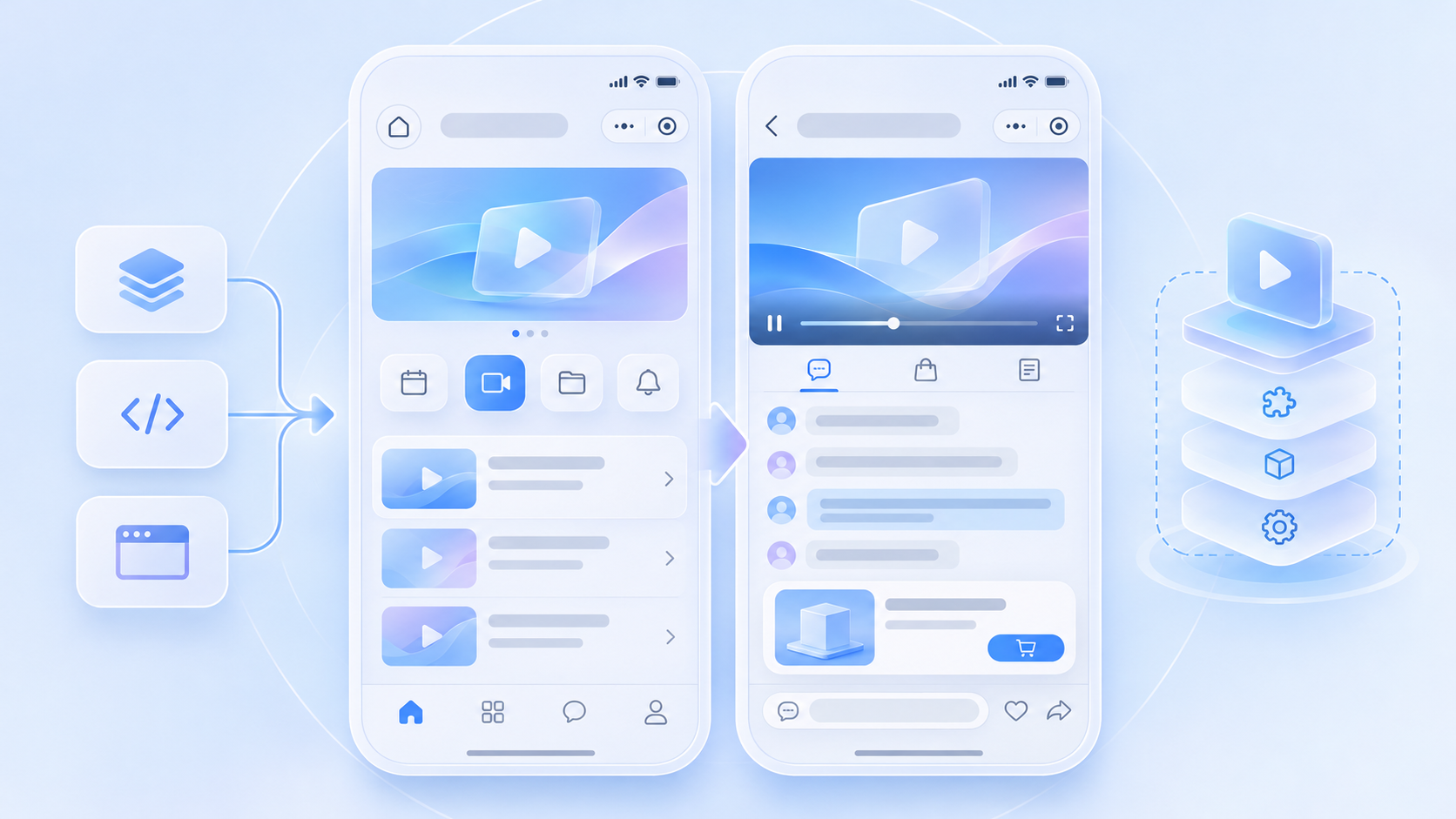
A player renders audio and video. Chat, access conditions, interactions and product cards come from the viewing-page SDK and the company’s business flow. If only playback is needed, evaluate POLYV’s playback plugin, custom component or core SDK. If a complete vertical livestream room is needed, evaluate the current Mini Program viewing-page SDK and then select its playback layer.
02 / Check plugin category and authorization
POLYV’s current Mini Program selection guide lists the “Polyv观看” plugin for the “Education Services – Online Video Courses” and “E-commerce Platform – E-commerce Platform” categories, subject to the plugin application page and WeChat review. Confirm the company’s own category and plugin authorization. An entity registered only for another course-sales category should evaluate the WebView H5 viewing page or an eligible video route instead of assuming plugin access.
03 / Treat live-player as a separate permission
The custom-component live-player option does not depend on plugin eligibility, but it does require the applicable WeChat service category and component permission. A working supplier demo or developer-tool preview does not prove permission for the target AppID. If learners or viewers must join the live session, check live-pusher, device permissions and the supported SDK scope separately.
04 / Use video within its documented scope
POLYV’s guide says the video option does not require live-player permission and does not support co-hosting in the current viewing-page route. Test live and replay behavior, latency, full-screen controls and background playback against the selected SDK version and actual devices. A lower permission barrier does not imply identical playback behavior across all three routes.
05 / Decide with one device matrix
Use the same channel to test first frame, network recovery, return navigation, product-page transitions, replay and sharing on target iOS and Android devices. Background playback is requested by the active native video or live-player component under the applicable conditions. Record the AppID, category, player version, required features and failed cases before selecting the production route.
An existing uni-app project can also use POLYV’s native viewing component in its WeChat mp-weixin build, selecting the eligible plugin, live-player or video layer. Apps and H5 use their respective endpoint solutions from the POLYV developer center.
Frequently Asked Questions
Is live-player permission enough to use the plugin? No. Plugin category eligibility and authorization must be checked separately.
Can the video route support co-hosting? The current POLYV viewing-page guide says this route does not support co-hosting.
Which AppID should determine the player choice? Use the company’s target AppID, categories and component permissions, then test on real devices.
Further Reading
Continue with Before Integrating Livestreaming into a WeChat Mini Program: AppID, Categories, Domains, Channels and Permissions and Integrating a POLYV Viewing Room into a uni-app Mini Program: From wxcomponents to Device Testing. For the overall integration choice, see the WeChat Mini Program SDK guide. The Chinese edition covers the same task for local teams.
About POLYV
POLYV separates full viewing-page integration from playback modules. Teams can assess the target Mini Program category and then select an eligible plugin, live-player or video route using the selection guide.