Adding Live Classes and Replay to an Existing uni-app Course Mini Program
摘要: An education platform with a uni-app course Mini Program should preserve the learning path: catalog, enrollment or purchase, access check, live class and replay.
An education platform with a uni-app course Mini Program should preserve the learning path: catalog, enrollment or purchase, access check, live class and replay. The mp-weixin build can host POLYV’s native viewing component. The course system owns learner identity, entitlement and progress; the viewing component supplies the configured live, replay, chat and interaction experience.
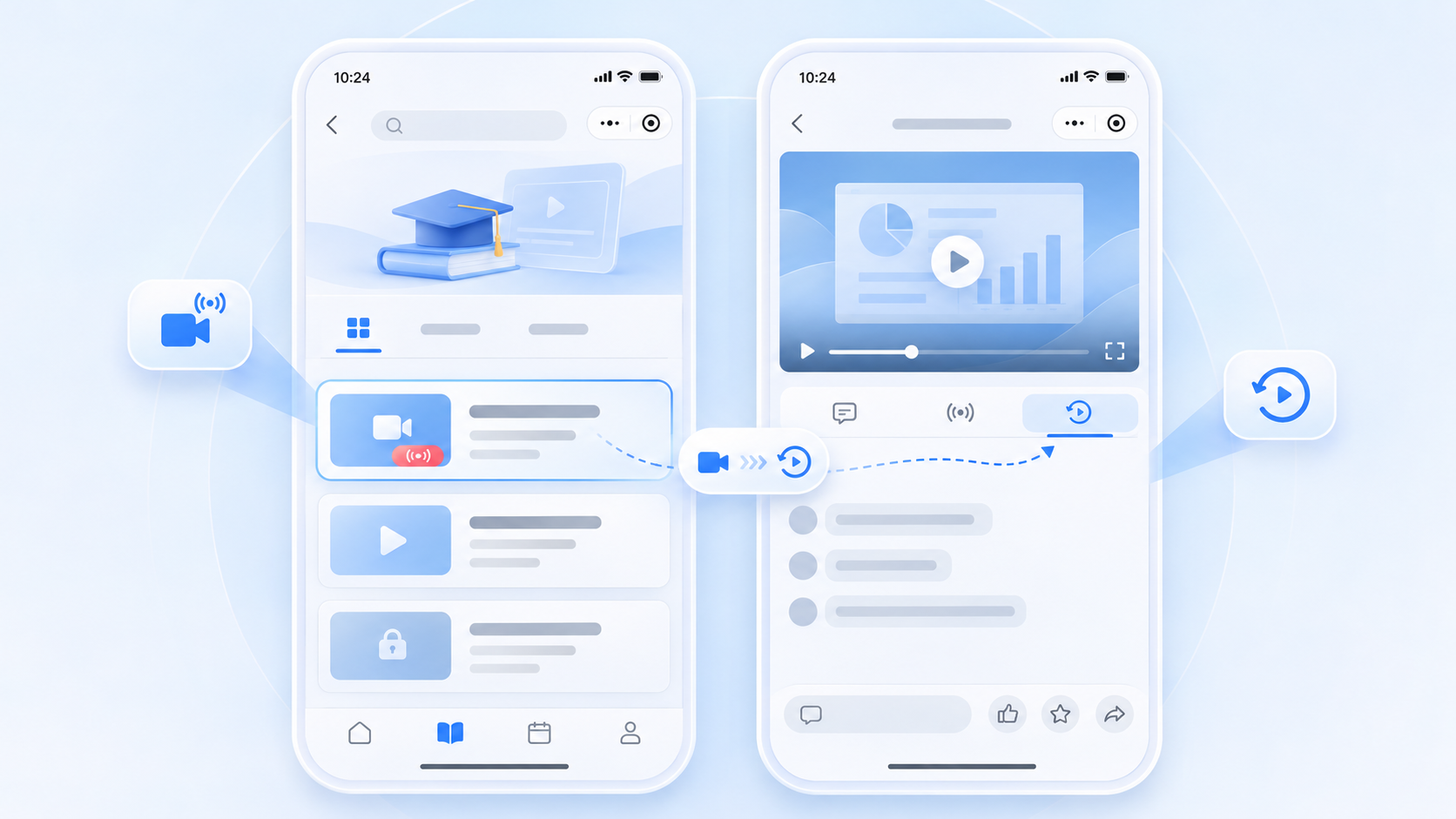
The course platform manages learner access and progress while the POLYV component carries live and replay viewing.
01 / Map lessons to channels
Associate each lesson with a POLYV channel ID, start time, replay state and authorized learner group. Show distinct “reserve,” “enter live class” and “watch replay” states in the course catalog. The server checks entitlement before the Mini Program opens the viewing page. Hiding a front-end button is not a substitute for server-side access control.
02 / Integrate through wxcomponents
Follow the POLYV uni-app guide to obtain polyv-live-watch, copy it into src/wxcomponents, register the native component in pages.json and mount polyv-watch-room in a .vue page. This route targets WeChat mp-weixin; apps and H5 use their own endpoint solutions from the developer center. Test the particular class’s chat, interaction, viewing condition and replay settings.
03 / Keep progress in the course system
Opening a room is not the same as completing a lesson. Associate channel, lesson, learner and class IDs with the platform’s events, then define how attendance, replay visits and completion are counted. Co-hosting requires the selected player and WeChat publishing permissions; passive viewing and chat should be configured to suit the actual course format. Release a replay entry only after processing and permission checks are complete.
04 / Apply layered content protection
POLYV’s PlaySafe® video copyright protection supports a layered approach involving encryption, authorization, anti-hotlinking, watermarking, playback controls and tracing to reduce unauthorized downloading, restreaming, screen capture and redistribution risk. The course system still governs account sharing and business rights. Test access to both live and replay routes, including after refunds or expiration.
05 / Test a complete learner journey
Use unenrolled, enrolled and expired accounts on iOS and Android. Enter the scheduled class, participate in configured interactions, leave and return, then open replay from the catalog after it is ready. POLYV offers Mini Program small-window playback guidance when WeChat and device conditions permit. Validate it separately from class entitlement and progress tracking.
Frequently Asked Questions
Will replay automatically appear in the course catalog? The course platform must manage replay readiness, entry and learner access.
Does this uni-app component run in the education app? The wxcomponents route is for mp-weixin; an app uses a corresponding POLYV integration route.
How is replay access synchronized with courses? The course service checks enrollment, validity and refund status at the entry and playback request.
Further Reading
Continue with Integrating a POLYV Viewing Room into a uni-app Mini Program: From wxcomponents to Device Testing and What Should a WeChat Mini Program Livestream POC Test? A Script for Live, Replay, Chat, Products and Login. For the overall integration choice, see the WeChat Mini Program SDK guide. The Chinese edition covers the same task for local teams.
About POLYV
POLYV provides live and replay viewing integration for WeChat Mini Program courses, while the education platform controls learner access and progress. See the developer center and PlaySafe® for the relevant paths.