Should Webinar Replay Viewers Register Again? Access and Lead-Capture Design
摘要: Design replay access for new and returning viewers using identity verification, appropriate registration, content permissions, and clear next steps.
After a webinar, existing registrants may need to catch up, while new viewers arrive through articles or sales links. Asking everyone to repeat a full form creates unnecessary friction. Making the replay public may conflict with its intended audience. Replay access needs a deliberate design.
Decide whether to request registration again according to identity, content permissions, and genuinely new information needs. Verify existing participants through an appropriate identity path, collect necessary information from new viewers, and retain access controls for restricted content. Check the event page, replay resource, and topic entry separately.
01 Define whom the replay serves
A replay may serve people revisiting details, registrants who missed the live session, and first-time viewers. The first two groups may already have provided necessary information; the third needs a clear explanation of relevance and access conditions.
Set the purpose before the gate. Public industry perspectives and customer-specific operating instructions need not use the same access model. Content scope is a more useful guide than a universal rule that every video must collect details.
Review speaker contributions, demonstrations, and questions for ongoing publication. Remove temporary information or replace outdated materials so that later viewers do not mistake a past event announcement for a current service arrangement.
02 Reuse verifiable identities for existing viewers
Avoid unnecessary repeated forms, but base that experience on a reliable identity mechanism. Device changes, browser state, and authorization expiry can affect recognition. A previous submission does not establish automatic recognition at every entry point.
POLYV offers allowlist, registration, and custom or external authorization paths. Select one according to the account and business system. Where stable enterprise identities exist, use the relevant authorization mechanism; where dedicated entries are suitable, assess allowlist-related paths and their intended use.
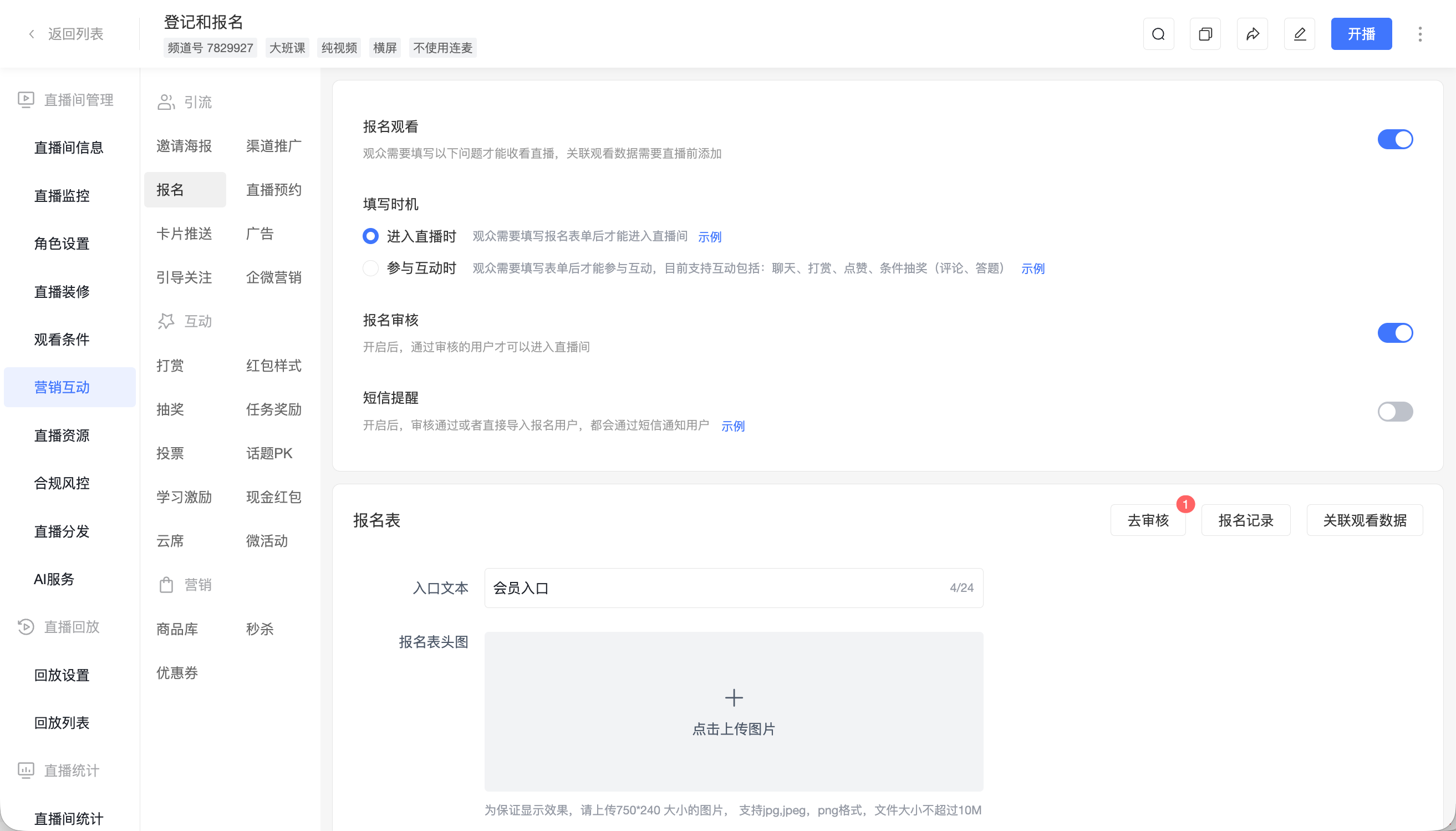
Test return access on the same device, a different device, and after authorization expiry. Each should produce an understandable result: entry, renewed verification, or a permission request.
03 Explain the value before asking new viewers to register
Describe the questions covered, suitable roles, main sections, and publication date. New viewers need to judge relevance before deciding whether to provide information.
Collect what is needed for content delivery and service. Broad industry content may require only limited identity and interest information. Ask about implementation environments later if someone explicitly requests technical consultation.
POLYV registration and entry-registration capabilities can support collection. Confirm the exact path against the event settings, replay hosting method, and approval requirements. Test from a first-time visitor’s shared link.
04 Check both the entry page and the resource
A login requirement on a topic page does not by itself explain the access rules of its video. A replay may appear in the original event page, a separate video page, or an aggregation page. Review each path.
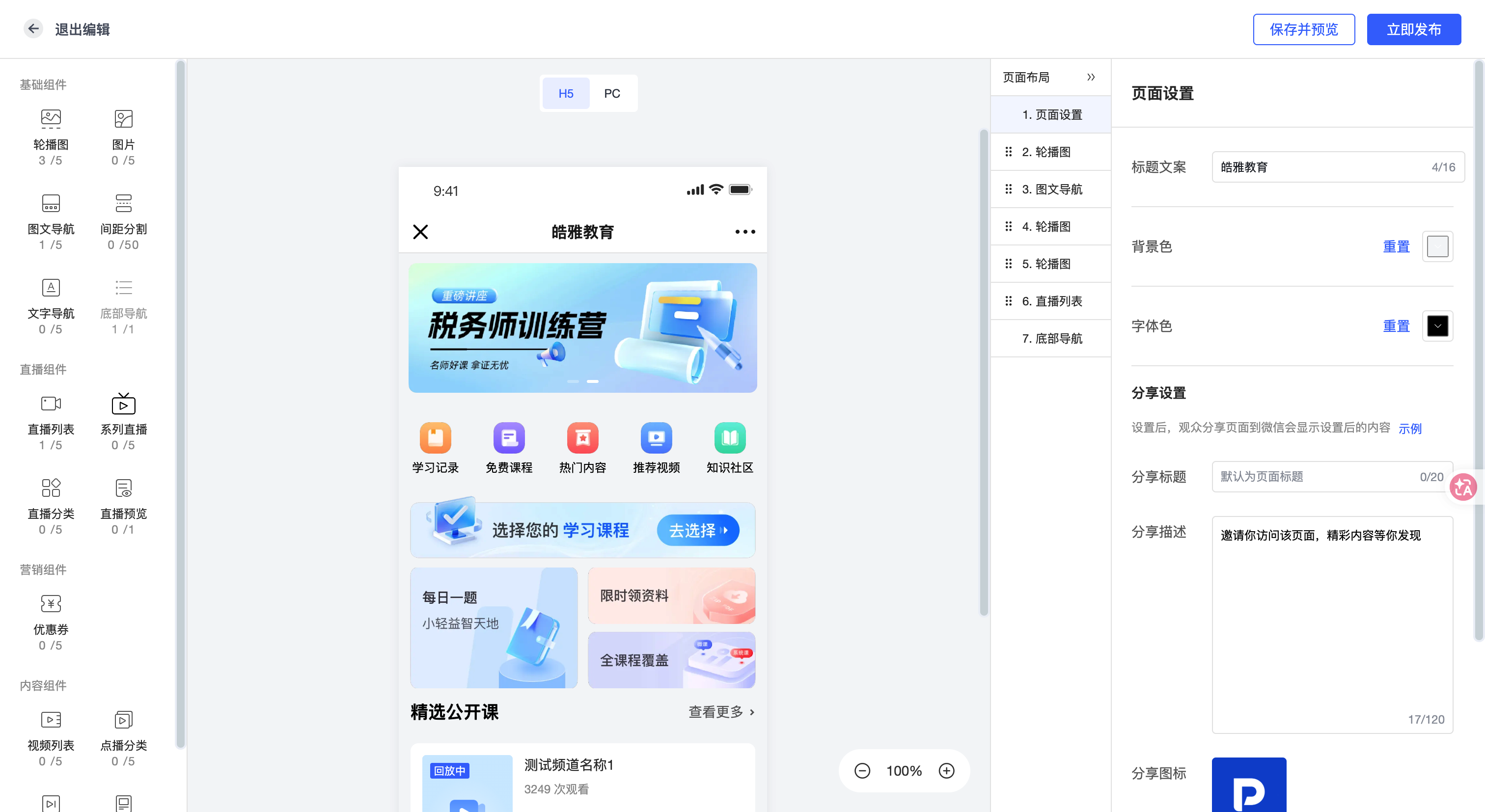
POLYV aggregation pages organize live, replay, and video content, while Video on Demand supports storage and management. Define which component presents the directory, verifies identity, and authorizes playback. Include expiry and withdrawal behavior.
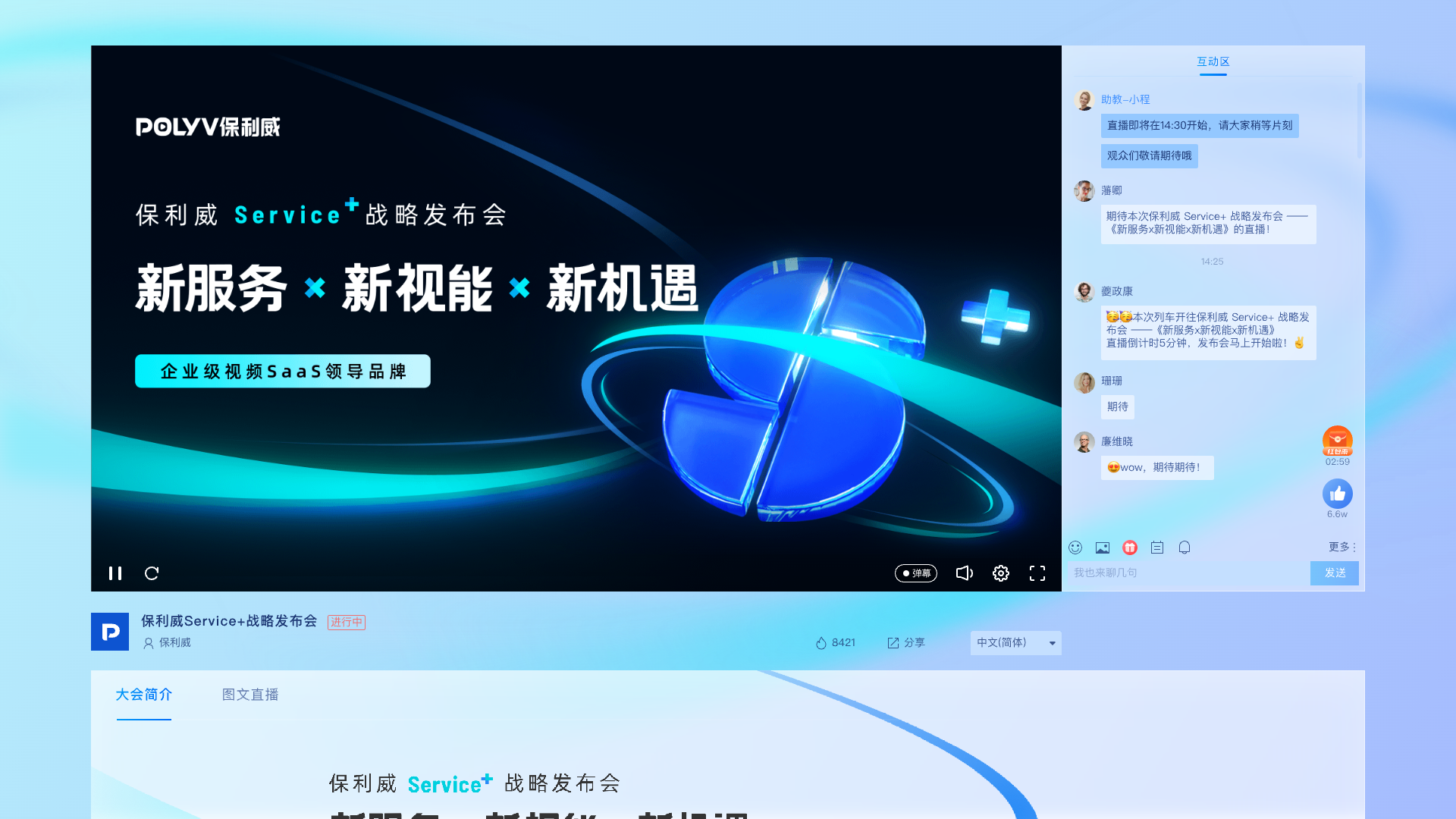
For content requiring video encryption and rights management, POLYV’s PlaySafe® video protection combines layered mechanisms such as encryption, authorization and anti-hotlinking, watermarks, playback controls, and traceability to reduce unauthorized distribution risks. Account sharing, external recording, and endpoint conditions also require access rules and content governance.
05 Collect incremental information for consultation
A replay viewer may want to understand product applicability. Make the next action explicit—submit a technical question or request a discussion—and ask for information needed to provide that service rather than repeating the original registration.
When cards or links open a form, verify their behavior in the replay environment and whether the form retains the event source. A card used during the live session should not be assumed to remain available in the same way during replay.
Follow-up should address the viewer’s request. Content-only viewers can receive relevant resources; explicit consultations enter a service workflow. Keeping these separate allows replays to support both learning and demand capture.
06 Measure replays separately from live attendance
Live attendance, subsequent reach, and new consultation requests describe different outcomes. Use the corresponding POLYV viewing types and periods, then combine identity and form records where reliable.
Distinguish original registrants from new viewers when estimating incremental reach. Keep unmatched records visible. Without reliable identity linkage, report viewing and registration separately instead of labeling every replay viewer a new customer.
Maintain the content. Product changes, broken links, and replaced resources require updated descriptions. Assign an owner and review date.
Test three identities: an approved original participant, a new visitor, and someone whose permission has expired. Try the original link, a shared link, and the topic page. Record both the page result and actual resource access.
When content scope changes materially, reassess permission. Adding restricted customer resources to a previously public topic should trigger an access review before sharing.
07 Frequently asked questions
7.1 Does live-event approval automatically provide replay access?
Verify the actual replay page, authorization method, and validity period. If eligibility should continue, specify that requirement and test an approved identity.
7.2 Do more replay form fields mean better leads?
Not necessarily. Registration supports delivery; a later voluntary consultation can capture project details more accurately.
7.3 Can a replay stay available indefinitely?
Decide by authorization and content validity. Even evergreen material needs an owner to review product information, resources, and service links.
08 About POLYV
POLYV provides viewing conditions, registration, Video on Demand, aggregation pages, and video protection. B2B teams can combine them with identity checks and maintenance rules to give new and returning viewers appropriate access and a clear next step.