Adding POLYV Livestreaming to a Skincare uni-app Mini Program
摘要: Learn how a skincare brand mounts POLYV’s WeChat viewing component in uni-app, then connects host events, member login, product sets and device testing.
A skincare brand that already runs its WeChat member Mini Program on uni-app can add a POLYV native WeChat viewing component to the build targeting mp-weixin. The team places the complete component package under src/wxcomponents, registers polyv-watch-room on the target page and passes a channel ID. The component manages the room’s internal viewing flow; the host Mini Program retains control of membership login, sharing and commerce navigation. This specific package is a WeChat Mini Program integration, not a single component for App, H5 and every other platform.
Treat the viewing room and the skincare store as connected systems with different responsibilities. The component handles the configured channel’s playback, chat and interactions. The brand’s existing store remains responsible for member benefits, product variants, discounts and orders.
01 / Confirm the project, channel and WeChat permissions
POLYV’s uni-app WeChat Mini Program integration guide applies to projects compiled to mp-weixin. The team should confirm its uni-app and Vue versions and build workflow, then prepare a POLYV account, a test channel and the brand’s own WeChat AppID. Viewing conditions, replay, chat and interactions still follow the channel’s configuration. Adding a component to a page does not turn every function on automatically.
The brand also checks its certified Mini Program entity, service category, required plugins and component permissions. Livestream playback, co-hosting and plugin use can each have different WeChat requirements. The brand’s own AppID and WeChat approval result matter. For a quick standard room, WebView H5 may be suitable; for playback alone, assess the plugin or player component. POLYV’s selection guide describes these routes.
Prepare two test channels: one open room and one with a login or registration condition. Prepare a skincare single product and a set, with available and unavailable states. This allows the team to distinguish channel permissions, component rendering and commerce failures during integration.
02 / Install the component in the uni-app build
Obtain the complete polyv-live-watch native Mini Program component package. If building from POLYV’s open viewing-page project, take the output from dist-uniapp-wxcomponents/polyv-live-watch. Copy the whole directory to src/wxcomponents/polyv-live-watch; do not copy just one watch-room file. In manifest.json, enable custom components under mp-weixin and merge the dependencies required by the delivered package without overwriting the existing AppID or permission configuration. In pages.json, declare polyv-watch-room for the viewing page, using a path based on the compiled Mini Program root.
Mount the component once in the .vue page and pass the test channel through configs.channelId. Check forceLayout against the current component guide and delivered version if a portrait skincare event is planned. The component manages its loading, introduction, viewing and error states. The host should not destroy and recreate the room every time view-change fires. Follow the official cleanup example when the page unloads, then verify a fresh entry does not create duplicate players or stale chat state.
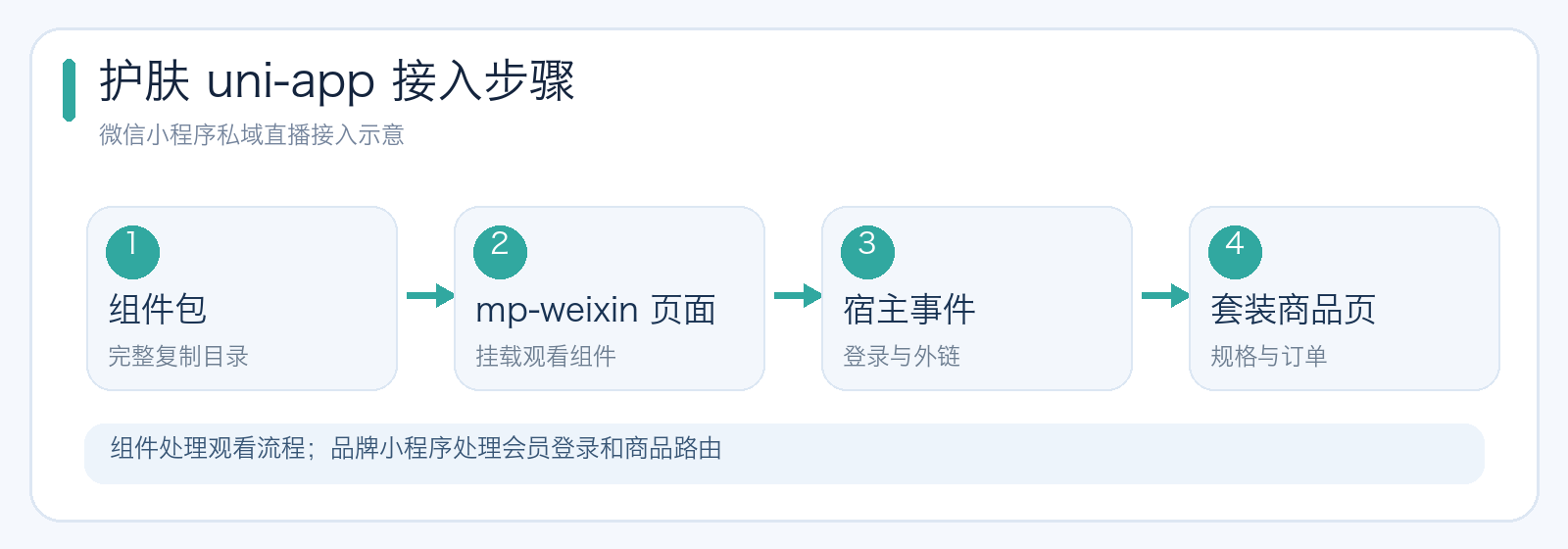
mp-weixin page, host events and skincare set page.| Location | Integration action | Acceptance signal |
|---|---|---|
src/wxcomponents |
Include the complete polyv-live-watch package |
Compiled output contains components/watch-room/ |
manifest.json |
Merge mp-weixin component and plugin configuration |
Existing AppID and permissions remain intact |
pages.json |
Register polyv-watch-room on the target page |
The component loads in the experience build |
.vue page |
Mount once and provide channelId |
Channel state, live video and replay follow settings |
| Host events | Handle ready, view-change, webview, login-required |
Login and external-page requests have defined destinations |
Use the current delivered package and official guide for exact code and plugin versions. Keep long-lived secrets and business authentication signatures on the brand’s server rather than in page parameters or bundled Mini Program code.
03 / Hand member and skincare product actions to the host
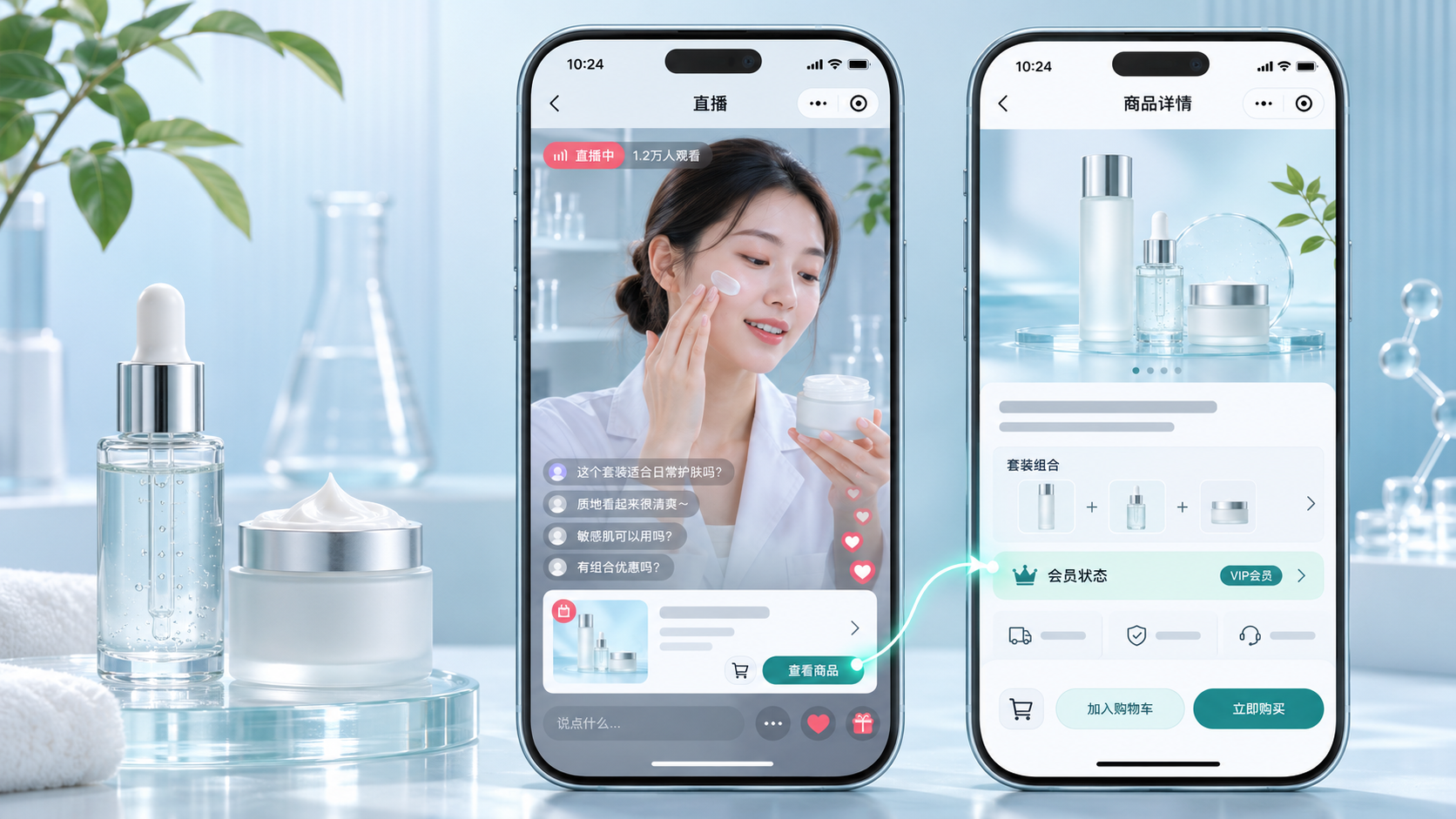
Skincare presentations often explain how a serum and moisturizer are used together, but the store defines each item, set, variant and member price. Maintain a mapping between channel ID, event ID, product ID and destination route. A serum segment should lead to the serum page; a set segment should lead to the correct set SKU. When stock or a promotion changes, the store’s current API should determine the checkout result rather than a stale livestream label.
The login-required event can start the brand’s existing login flow. After login, return viewers to the same channel and preserve their campaign source. The webview event lets the host open an external page when the component requests it. Product and advertising navigation should be verified against the actual delivered package’s event payload; the example event.detail.url should not be assumed to describe every commerce event. Sharing is configured by the host so new viewers land on an accessible channel rather than an expired membership callback.
Define separate events for entrance exposure, room entry, product click, order placement and successful payment. POLYV’s viewing side and the brand’s store record different parts of the journey. Link them with stable campaign, channel, member and product identifiers on the server. A product click is not a paid order, and refunds follow the store’s order records.
04 / Accept two skincare events on actual devices
An open product launch tests shares, playback, chat, product navigation and replay. A member-only event adds signed-out, expired-session and ineligible-member cases, plus the return to the original channel after login. Both events should test a set’s variants, coupon eligibility, sold-out states, payment return and re-entry. Record the AppID, component version, WeChat base-library version, channel ID, network and iOS or Android version for each run.
POLYV’s Mini Program background small-window playback guide is relevant when shoppers listen to instructions while comparing products. A native viewing page requests background playback through its active player; a WebView livestream uses the documented native intermediary page. Success depends on WeChat base-library and OS versions, category and permissions, channel settings, player state and integration route. Test on target devices. The documented WebView route currently covers livestreaming and should not be assumed to cover replay.
Content and product details must also agree. Names, ingredients, intended use and directions in the event script should match the brand’s approved packaging and product page. Store a product-content version and campaign end date in the mapping sheet, then revisit replay product cards when information changes. Compare repeated viewer questions with the point where shoppers leave the product page: the next fix may be clearer guidance or a better product detail page, rather than another component change.
05 / Frequently asked questions
Does the component automatically recognize skincare membership tiers? Membership tiers are the brand’s business rules. The host and server must identify the member and enforce the relevant viewing or commerce path.
Should the host navigate when view-change fires? No. It reports an internal component-state change; the component controls its own viewing flow.
Can the same component package build an App viewing room? This guide covers WeChat mp-weixin. App, H5 and other platforms need their corresponding SDK or viewing-page routes in the POLYV developer center.
Where should a failed set purchase be investigated first? Check the mapped product ID and route, then store stock, coupons and order errors. Preserve both the room’s click event and the store’s error log.
Further reading
The Chinese edition covers the same scenario. For a wider decision framework, see the Mini Program livestream integration overview.