Which Livestream SDK Fits a Home-Cleaning Member Mini Program?
摘要: A home-cleaning brand can connect product demonstrations to its member mall through a viewing room, accurate bundle routes, coupon checks and replay tests.
A home-cleaning brand with a WeChat member mall may want to demonstrate laundry liquid, kitchen cleaner or a household cleaning set through live video. The first decision is whether its existing page needs a player or a complete room with a demonstration, interaction and product cards. POLYV offers a Mini Program playback plugin, native viewing-page SDK, uni-app WeChat viewing component and WebView H5 route. If shoppers should watch a demonstration, compare a bundle, apply a member benefit and place an order in the brand’s own mall, the full viewing-room and commerce handoff deserve primary attention.
Test the specific journey: which product is being demonstrated, which variant opens when its card is tapped, which system calculates the offer, and whether the shopper can return to the demonstration after checkout. Playback alone does not answer those questions.
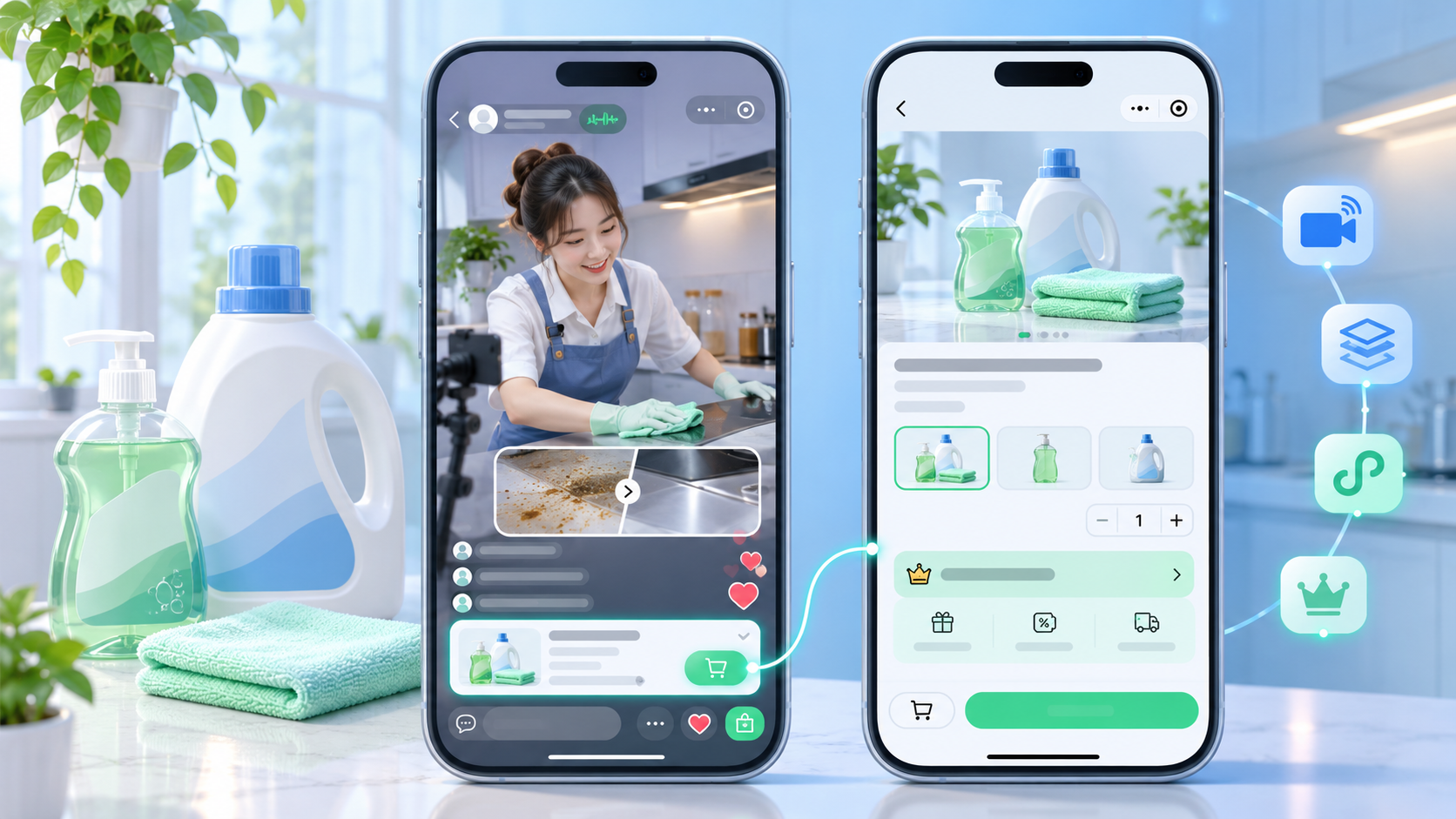
01 / Let the demonstration format determine viewing needs
Home-cleaning broadcasts often follow one of three formats. A host shows one product in use, answers a specific household problem, or presents a bundle for several cleaning tasks. Each involves product switching and viewer questions. If a brand embeds only video, it must still build chat, product cards and interaction around the player. POLYV’s Mini Program selection guide separates playback-only components from a full viewing page. Its solution page describes product and marketing interactions for Mini Program commerce.
For a short pilot that accepts a standard room, assess WebView H5. For a member mall that needs closer login, sharing and product-route integration, assess the native viewing-page SDK. If the current WeChat project uses uni-app and compiles to mp-weixin, assess POLYV’s native WeChat component. A product page that only needs a video clip may need no full room. Plugin eligibility and live-player permission depend on the brand’s own WeChat category and AppID. The current official guide describes the newer native viewing-page SDK for portrait livestreams; confirm special landscape demonstration layouts against the delivered version.
| Demonstration format | Room action | Brand mall action |
|---|---|---|
| Single cleaner in use | Play, answer questions, feature the matching card | Let shoppers select scent, size and quantity |
| Kitchen-cleaning session | Feature products in demonstration order | Show approved use information, price and stock |
| Household bundle | Present the bundle and its campaign context | Calculate set price, coupon and shipping |
| Demonstration replay | Keep the explanation available | Follow the current product and campaign state |
The room can present and link a product, but the brand’s store remains the source of truth for SKU, pricing, discount, order and after-sales handling.
02 / Match each demonstration to the right item or set
A frequent error is that the host demonstrates product A while product card B is featured. For a kitchen session, the operator’s run sheet should list demonstration order, product ID, destination page, variants and verified use instructions. The card order should follow the actual show. The detail page should state the currently available volume, intended surfaces and purchase terms. Product claims used on air should match the brand’s approved packaging and product information; an unscripted comment should not turn into an unsupported performance promise.
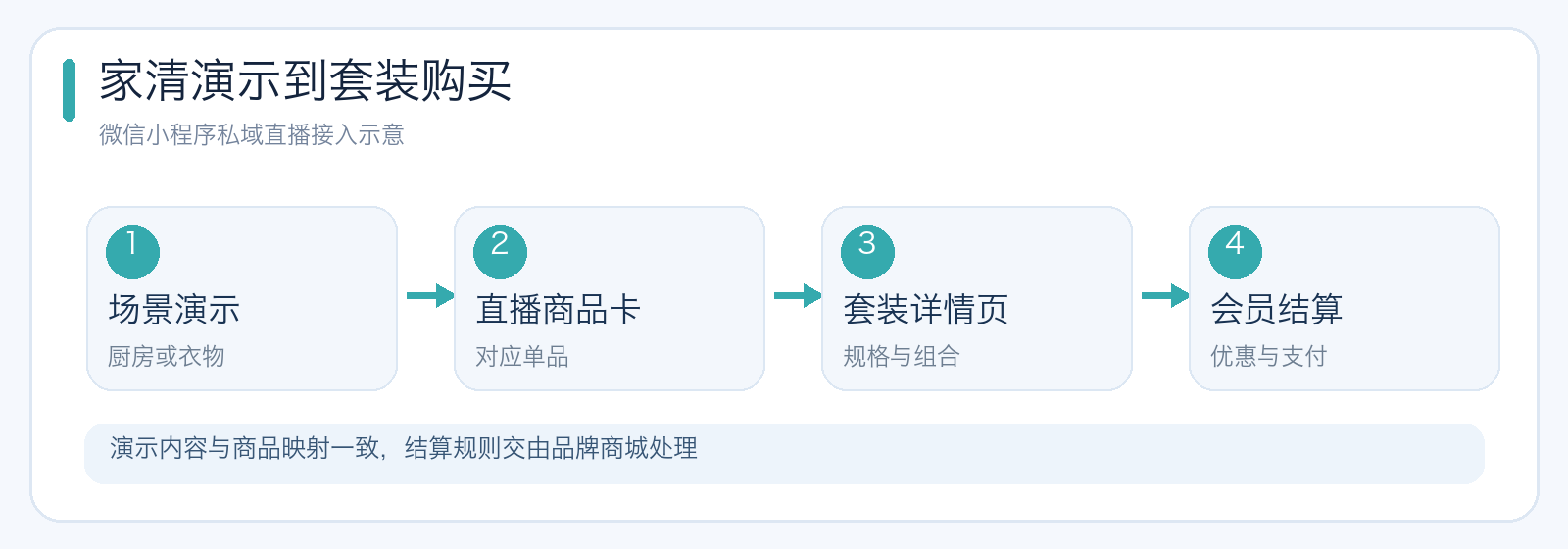
Bundles need explicit ownership rules. A livestream can explain why several items are sold together, but the mall decides whether items can be split, whether coupons stack, how shipping works and which returns are allowed. Define event ID, channel ID, product SPU/SKU, set ID and target route. A single product card should open its own page, and a set card should open the set page. If an item is withdrawn, the store should show an appropriate state rather than repeatedly sending viewers to a dead destination.
Member price and coupon eligibility should also be checked by the mall in real time. A signed-out viewer might be allowed to watch the demonstration, then asked to log in before seeing an eligible member price. After login, return to the same channel and product context. Measure room viewing, card clicks and paid orders separately, linking them on the server. A viewer who watched or asked a question has not necessarily purchased.
03 / Test the “watch while comparing” path
A home-cleaning demonstration is continuous. A shopper comparing package sizes may miss a key step if playback stops on leaving the room. POLYV’s Mini Program background small-window playback guide makes this an acceptance case. A native room requests background playback through the active native player. The WebView livestream route uses the documented native intermediary page. Results depend on WeChat base-library and OS versions, category and permissions, channel settings, player state and the chosen route. Test on iOS and Android devices. The documented WebView path should not be assumed to support replay identically.
Define what “return to livestream” means after a viewer opens the product page, applies a coupon, fails payment or completes payment. What if the broadcast ends while the shopper is away? A WebView route needs domain and H5-to-Mini-Program navigation checks. A native route offers more host control over Mini Program navigation, but still needs event and page-lifecycle integration. Do not treat a successful start in the developer tool as final acceptance.
04 / Pilot one cleaner and one bundle
Select one product that is easy to demonstrate and a set with two or three items. Before the event, verify channel configuration, run sheet, card order and destination pages. During the event, test a product question, single-item card and bundle card. On the destination pages, select variants, apply an eligible and an ineligible coupon, and run a test payment. Then test return, share entry, weak-network re-entry and replay. Record the AppID, channel, component version and device system for debugging.
Report room entry, product click, detail-page arrival, order creation, payment and refund as distinct steps. Compare the member-center entry with a WeChat group share; different audiences may need different demonstrations or product order. A replay clip can later help on the product page, but its offer and variant information must still be current. Manage the demonstration clip and the live catalog destination separately so an expired “livestream price” does not remain on a permanent product page.
05 / Frequently asked questions
Can a player plugin alone sell a household cleaning bundle? A player supplies video. Bundle selection, interaction, member offers and checkout require a room or additional brand UI connected to its mall.
Can an existing uni-app project follow this approach? Yes, for a WeChat build targeting mp-weixin, follow POLYV’s uni-app integration guide and let the host manage product routes and login. Apps and other platforms use their respective SDKs in the developer center.
Why might the room’s bundle label differ from checkout? Check event version, SKU mapping, member status, coupon rules, shipping and whether the room’s product data is stale. The mall’s current checkout rules determine the actual order.
Further reading
The Chinese edition covers the same scenario. For a wider decision framework, see the Mini Program livestream integration overview.