Building a B2B Marketing Video Library: Versions, Permissions, and Content Maintenance
摘要: Build a maintainable video library with task-based navigation, version records, access rules, update owners, and POLYV video capabilities.
A growing collection of B2B event recordings does not automatically make useful content easier to find. Product versions overlap, old events retain outdated contacts, and topic pages lack update owners. A video library must make content discoverable, assessable, and maintainable.
Establish classification, version records, access rules, and update ownership together. POLYV Video on Demand supports storage and management, while aggregation pages organize audience-facing entries. The enterprise supplies the directory fields and review workflow so each item explains whom it serves, what question it answers, and when it remains applicable.
01 Organize around customer tasks
A date-based list is convenient for archives but often poor for discovery. Customers look for selection guidance, operating methods, implementation conditions, or industry questions. Use tasks as the primary navigation and add product, industry, and publication information where useful.
A video can serve several contexts without requiring duplicate files. Maintain relationships in the enterprise’s content inventory and implement presentation through the available configuration. Separate file management from audience navigation to reduce version duplication.
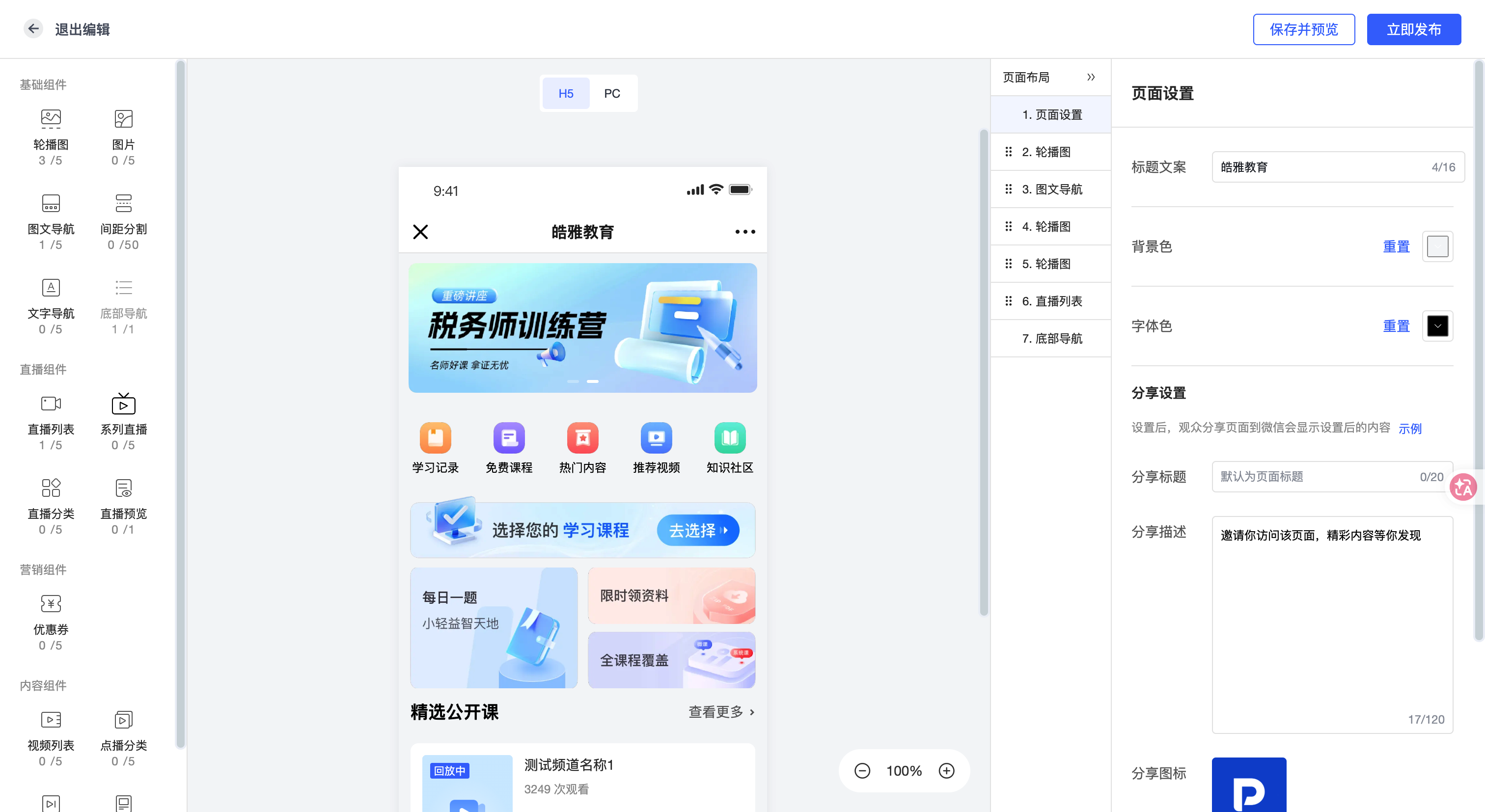
POLYV aggregation pages organize live sessions, replays, on-demand video, and text. Use topic entries to combine video and explanations so customers can assess relevance before watching.
02 Maintain a minimum content record
Record topic, suitable roles, applicable product or conditions, source event, owner, review date, and publication state. These fields can live in a content inventory or an existing system; confirm which can be configured directly in the platform.
A title should communicate a task and scope rather than only an episode number. Add the main questions and prerequisites to the description so that sales and customers can judge suitability without first watching the entire video.
For service-oriented content, record the destination and responsible team. An accurate video with a broken consultation link still interrupts the customer journey. Maintenance should cover both content and the associated entry points.
03 Distinguish revision, replacement, and retirement
Changing a description is a revision. A changed operating process may require a new video. Content with no continuing purpose may be archived or deleted. Define these actions separately because their effects on access and historical references differ.
POLYV Video on Demand provides storage, management, and editing capabilities. The platform handles video resources while content owners confirm business accuracy. A file remaining online does not establish that its instructions remain valid.
Before replacement, identify topic pages, articles, and business teams using the old resource. Decide how existing links will explain or point to the replacement, then test access. Similar filenames without explicit version relationships create avoidable selection errors.
04 Apply permissions to entries and resources
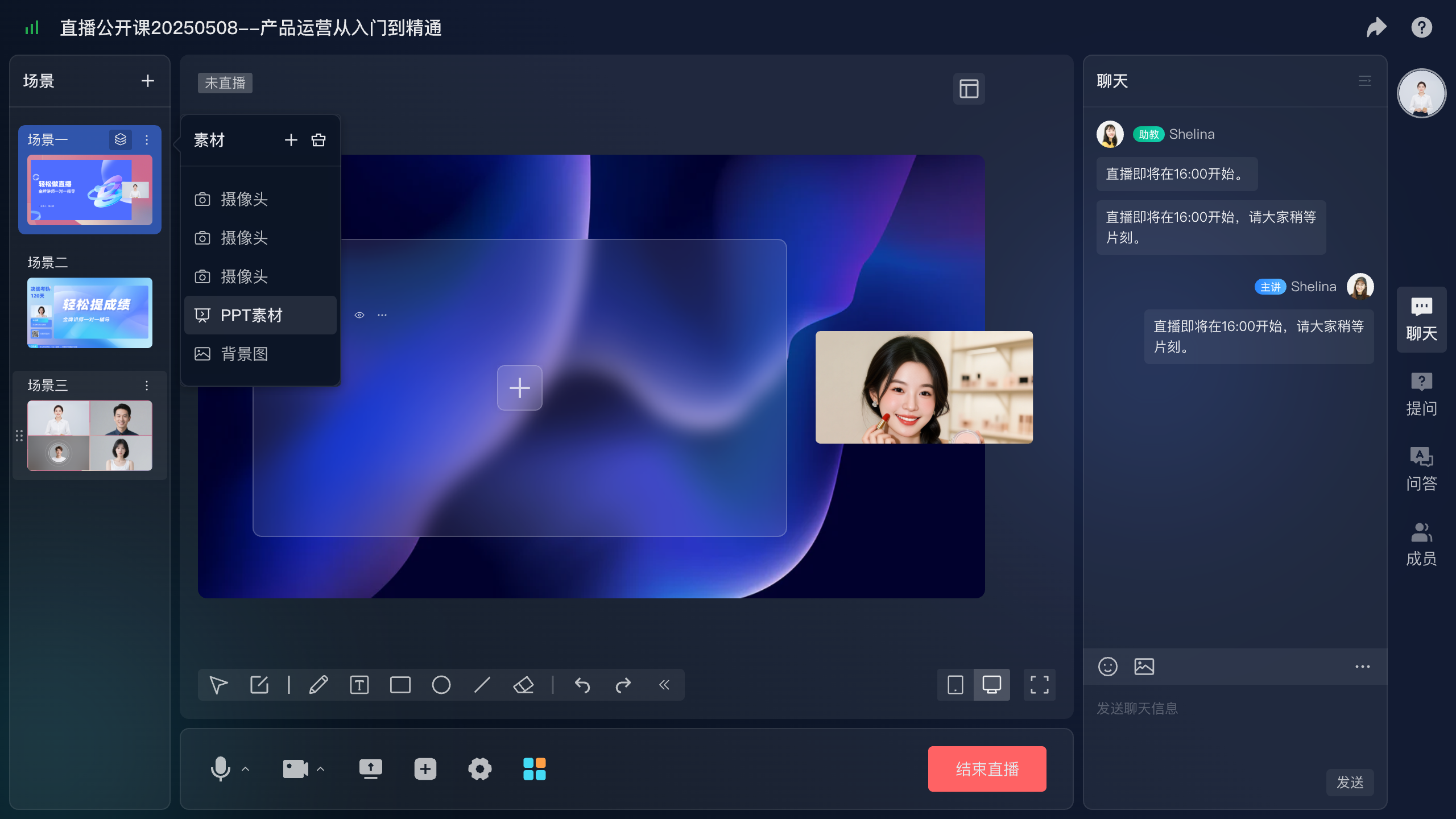
Public industry content, restricted customer resources, and internal demonstrations need different access scopes. State intended audiences in the inventory and implement the corresponding viewing authorization. Check the page and the underlying resource separately.
For libraries requiring video encryption and rights management, POLYV provides PlaySafe® video protection. Encryption, authorization and anti-hotlinking, watermarks, playback controls, and traceability form layered mechanisms for reducing unauthorized downloading, rebroadcasting, and redistribution risks.
These measures work with account permissions, endpoint conditions, and usage policies. Account sharing and external recording also require governance. The objective is more manageable access and distribution, not a promise that copying is impossible in every environment.
When connecting an existing website identity system, follow the corresponding developer documentation for server-side validation and credential management. Test authorized users, unauthorized users, and expired permissions.
05 Turn long recordings into self-contained content
Clips help customers find specific explanations, but they must retain prerequisites. Do not remove version, permission, or environment details solely to reduce duration. Link the clip to the full explanation when additional context is needed.
POLYV Video on Demand processing and management capabilities support this work. Define what tools produce and what product staff review, including terminology, captions, steps, and numerical details. Automatically generated material still needs accuracy checks.
A topic entry can combine a complete replay, focused clips, and a written summary. Each has a different job: preserving the discussion, answering a narrow question, or helping visitors judge relevance. Organization matters more than the number of videos.
06 Give updates both owners and triggers
Review schedules are useful, but event-driven triggers are equally important: product releases, changed interfaces, expired permissions, or a new service owner. The library owner coordinates the work, while product and business staff confirm the relevant information.
Viewing and reference records can help prioritize maintenance. Use the appropriate POLYV live, replay, or on-demand statistics for each resource. Popularity indicates use, not continuing accuracy.
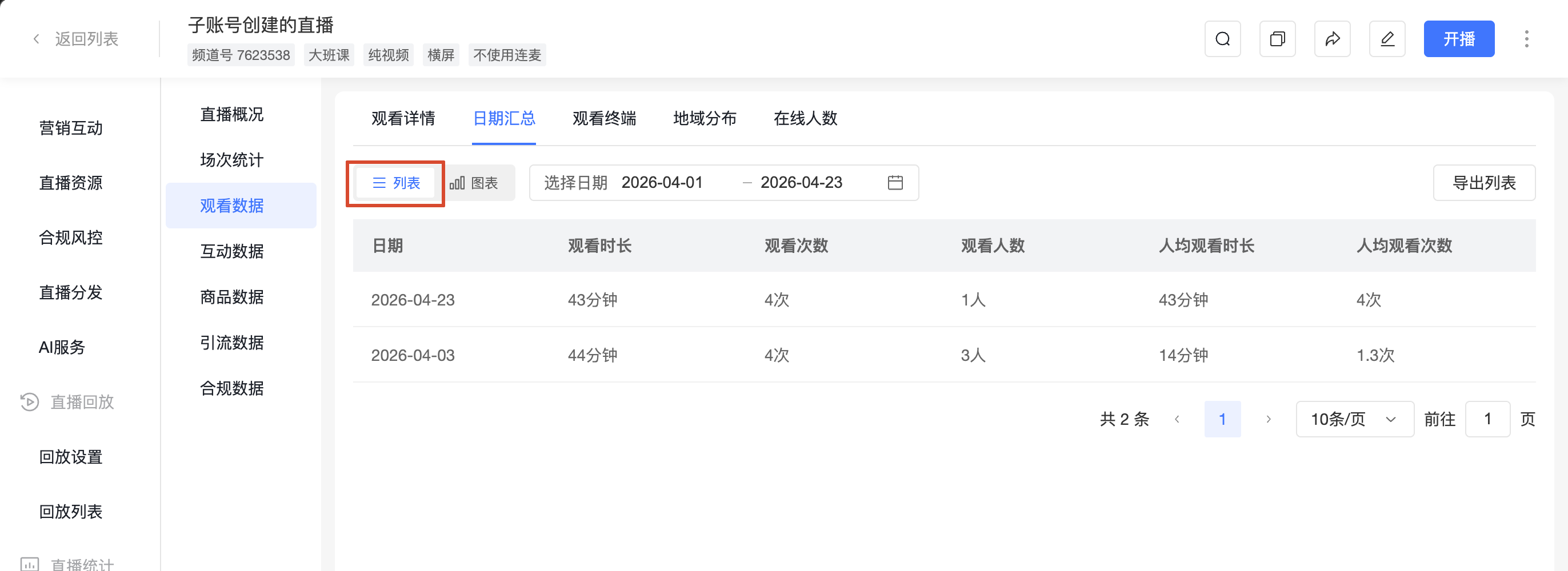
Low viewing does not automatically justify deletion. A technical explanation for a small set of important customers may still have value. Consider accuracy, purpose, and maintenance effort, and provide a replacement where necessary.
Give sales staff a usage procedure: check role and version before sharing, explain the relevant question, and report obsolete content to the owner. Feedback from actual users should return to the maintenance process.
Start with a small collection of frequently used videos. Test classification, permissions, and an update cycle before expanding. This exposes redundant fields, unclear ownership, and replacement difficulties early.
07 Frequently asked questions
7.1 Is a library simply all replays on one page?
A central page is only the entry. Continued usefulness requires classification, versions, permissions, and update responsibilities.
7.2 Can an old video stay online if it still attracts viewers?
Check accuracy first. Add version context where it remains useful, and update or replace material whose key instructions have changed.
7.3 Should every video require registration?
Choose according to distribution and service goals. Public material can use lower-friction access; restricted resources need suitable permissions. Collect consultation details at the appropriate later step.
08 About POLYV
POLYV provides Video on Demand, aggregation pages, viewing-related capabilities, and PlaySafe® video protection. B2B enterprises can combine them with classification, version control, and update ownership to turn event recordings into maintainable customer-service content.